Scan to Save#
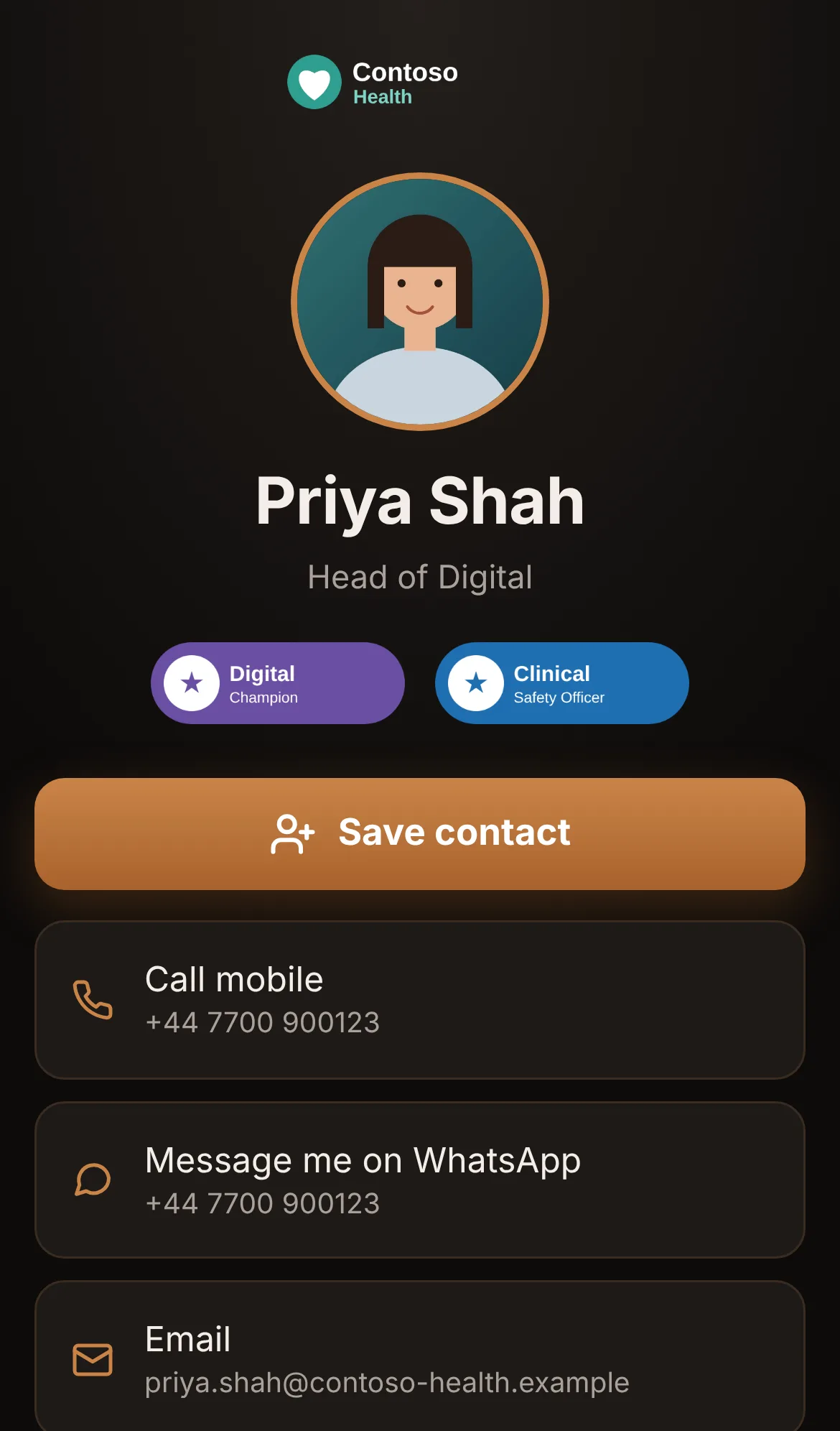
A digital business card people save in one tap. You build your card once: photo, company logo, badges, contact details, WhatsApp and links. People scan your QR code, see your card, and tap Save contact to put you straight into their phone, photo and links included.
Watch the demo Request early access
Scan to Save is an Andy Kemp Consulting Ltd tool, open to a small group of early adopters. You sign in with your free Andy Kemp account, and each request is approved by Andy Kemp Consulting.
How it works#
1. Request early access   Sign in with your free Andy Kemp account and tell us how you'd use it
        ↓
2. Approved               Andy Kemp Consulting approves the request and your card is waiting
        ↓
3. Build your card        Photo, logo, badges, details, WhatsApp and links, on My card
        ↓
4. Share it               Your QR code on business cards, slides and signatures, or in Apple Wallet
        ↓
5. Saved                  People scan, see your card and tap Save contact
Key features#
- Save contact in one tap: a contact file every phone understands, with your photo, and every link saved as a full web address with its name
- Your company logo at the top, uploaded or taken from a link to the logo on your website. No logo, nothing at the top
- Up to four badges, each with an optional link so people can check it, such as your Credly badge page
- Message me on WhatsApp, from your mobile or another number
- Links for work and away from work, picked from the sites people use, or any link you like
- Public or QR only: a public address at scantosave.app/your-name, or a card only your QR code opens
- Apple Wallet: your card, with its QR code, ready to show from your iPhone
- Views: how many people opened your card in the last 30 days, and how they got there
- Reset your QR link if it's shared somewhere it shouldn't be
Where to start#
- Getting started: request early access and sign in.
- Build your card: every part of My card.
- Share your card: the QR code, Apple Wallet, public or QR only, and views.
- Privacy and your data: what's stored, who sees it and how to delete it.
- Troubleshooting: when something doesn't look right.